Colt help
When you order a billing statement, you can tell us you want to be notified when it's ready. If you do, we'll send you an email when the statement is ready. We recommend you order reports rather than viewing them because most likely all of the data will not be visible on your screen.
To order a billing statement:
- Click Billing, then click Bill Analyst.
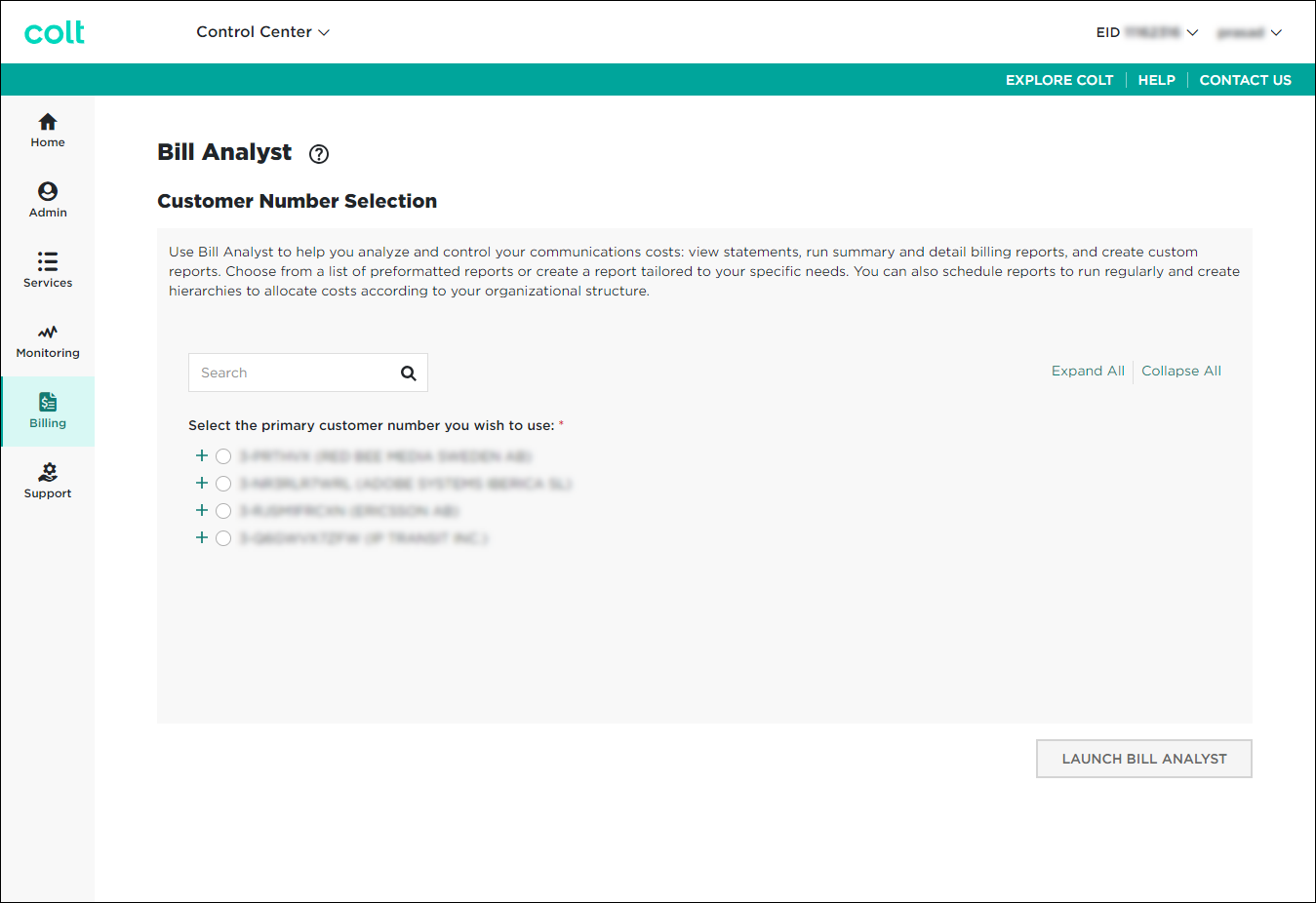
- Select the radio button next to the account you want to view, then click LAUNCH BILL ANALYST.
Control Center opens Bill Analyst on a new tab.
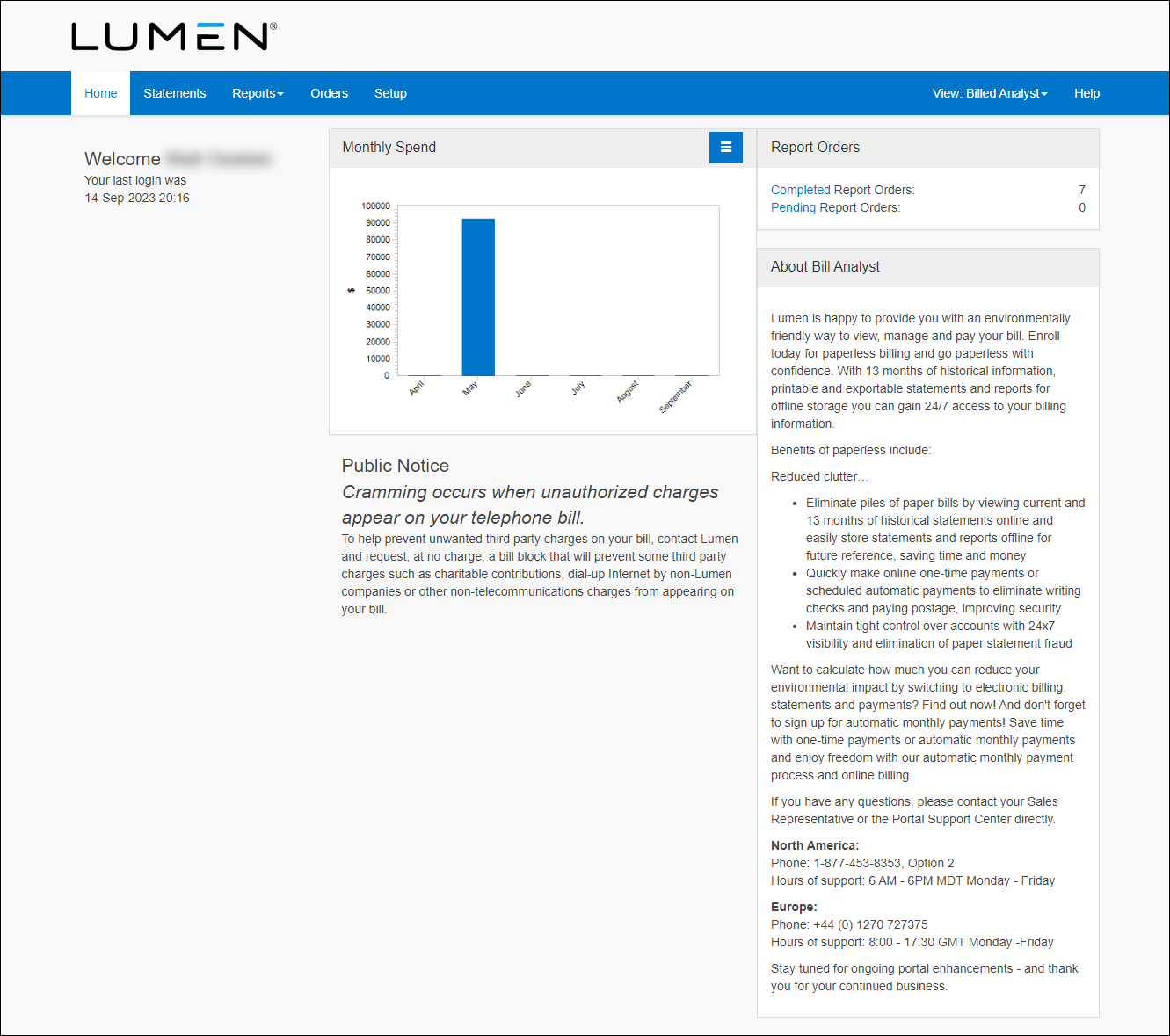
- Click the Statements tab.
- Select the account(s) you want to order a statement for:
- To order a statement for all accounts, click Order Statement.
- To order a statement for specific accounts, select the checkbox next to the account(s), then click Order Statement.
- To order a statement for all accounts, click Order Statement.
- In the Order section, use the Bill Date list to select the month of the statement you want to order.
- In the Frequency section, select how often you want receive the statement:
- To receive the statement only once, select the One-time radio button.
- To receive the statement each month, select the Monthly radio button, then select the day of the month you want the report generated. (If you select to receive your statement monthly, we recommend setting the day of the month 7–10 days after your bill cut date to help ensure you get the current month's statement rather than the previous month's statement.)
- To receive the statement only once, select the One-time radio button.
- In the File Type section, select the radio button for the file format you want your report in: PDF, CSV, or XML.
- In the Order Delivery section do one for the following:
- To receive a notification by email when your order is complete, select the Notify me by e-mail when my order is complete radio button.
- For you and your colleagues to receive a notification by email, do one of the following:
- To receive a link to download the report without logging into the application, select the Notify me and any additional recipients below by e-mail, and include a link to download the order without logging into the application radio button.
- To receive the report as an attachment in the email, select the Notify me and any additional recipients below by e-mail, and attach the completed order. Files exceeding 2MB will not be attached radio button.
- To send the order to your SFTP location, select the Notify me and any additional recipients below by e-mail, and send the order to the selected SFTP location radio button, then from the SFTP Locations list, select the SFTP destination. Before you can select this option, you first need to add an SFTP location to your account.
Type the email address for each colleague who needs to be notified when your order is complete in the Send Additional Notifications To field.
- To receive a link to download the report without logging into the application, select the Notify me and any additional recipients below by e-mail, and include a link to download the order without logging into the application radio button.
- To receive a notification by email when your order is complete, select the Notify me by e-mail when my order is complete radio button.
- Click Submit Order.
Bill Analyst processes your request. Depending on the delivery option you selected, Bill Analyst notifies you when the statement is ready. If you didn't select to receive the file by email, you can retrieve and download your statement. If you created a recurring order, you can also edit the order or delete the order later as your reporting needs change.
Not quite right?
Try one of these popular searches:
Explore Control Center
Top 10 articles
- Troubleshooting login problems
- Retrieving your username or password
- Signing in to Control Center
- Adding accounts to an enterprise ID
- Requesting a PDF copy of an invoice
- Creating a repair ticket
- Creating a disconnect request
- Deactivating or reactivating a Control Center user
- Creating a new user
- Editing a notification setting


