Colt help
You can retrieve the statements, summary billing reports, and detail billing reports you've ordered and then download them.
Note: Be sure to download reports as they become available and remove them so you don't exceed your maximum storage limit.
To retrieve and download an order:
- Click Billing, then click Bill Analyst.
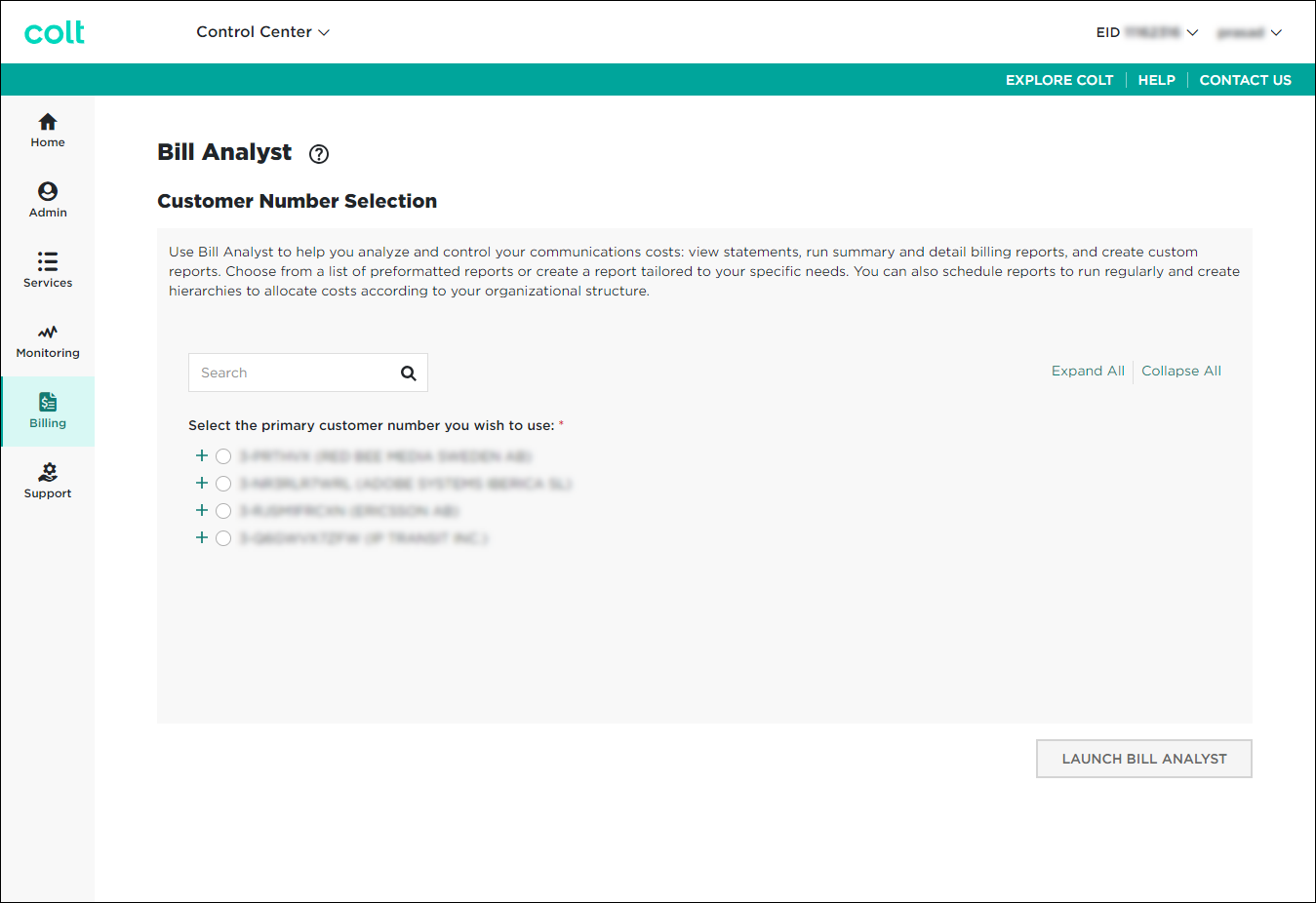
- Select the radio button next to the account you want to view, then click LAUNCH BILL ANALYST.
Control Center opens Bill Analyst on a new tab.
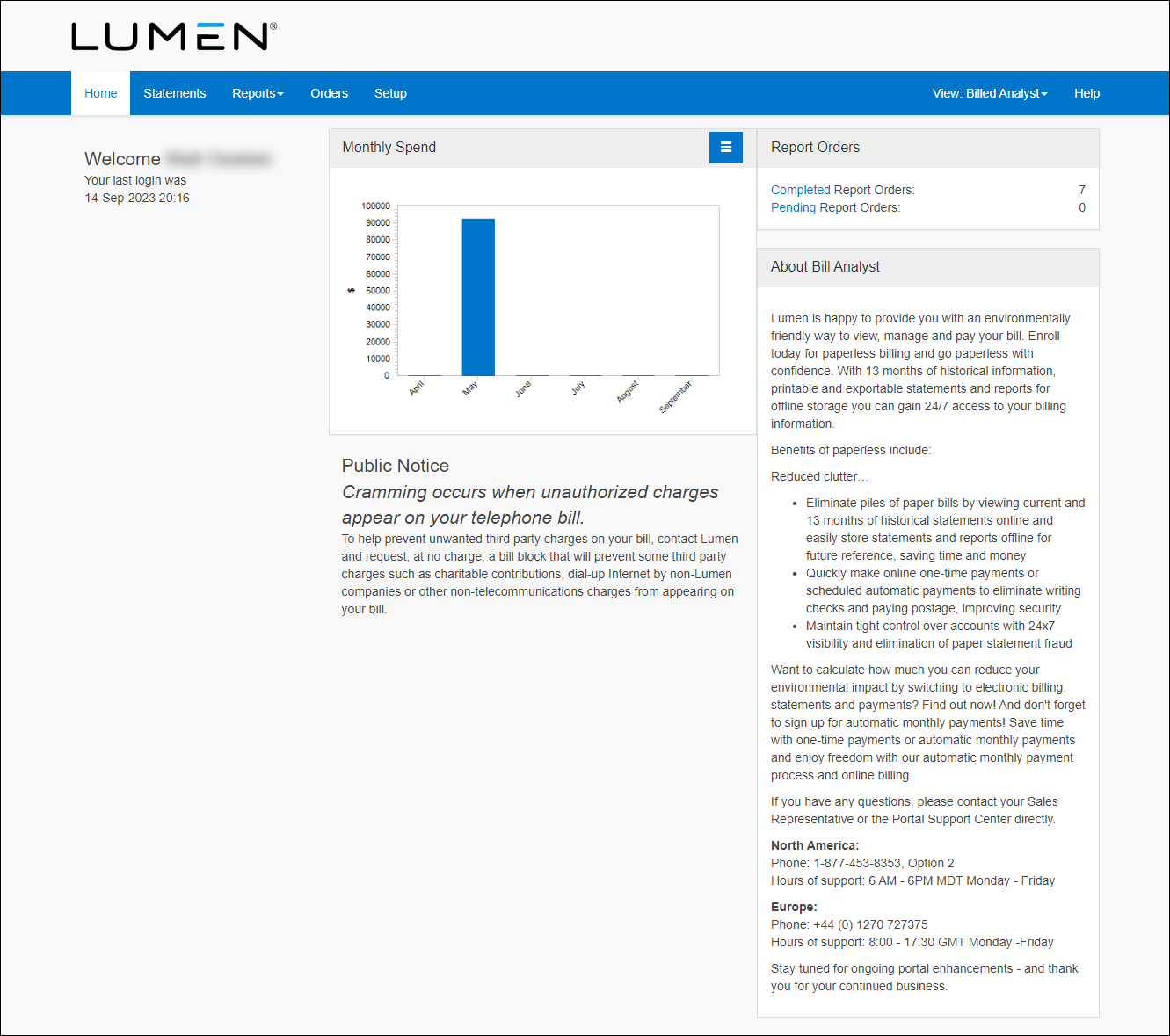
- Click the Statements tab.
- Click View Order Status.
Bill Analyst shows a list of completed orders. By default, Bill Analyst usually shows completed orders summary reports.
- From the Report Type list, select the type of report you want to download. For example, select All Statements (to view all ordered statements), Summary Reports (to view all ordered summary reports), or Detail Reports (to view all ordered detail reports). In our example, we selected All Statements.
- On the row for the report or statement you want to download, click the report name link in the Document column (the first link in the table cell).
Not quite right?
Try one of these popular searches:
Explore Control Center
Top 10 articles
- Troubleshooting login problems
- Retrieving your username or password
- Signing in to Control Center
- Adding accounts to an enterprise ID
- Requesting a PDF copy of an invoice
- Creating a repair ticket
- Creating a disconnect request
- Deactivating or reactivating a Control Center user
- Creating a new user
- Editing a notification setting


